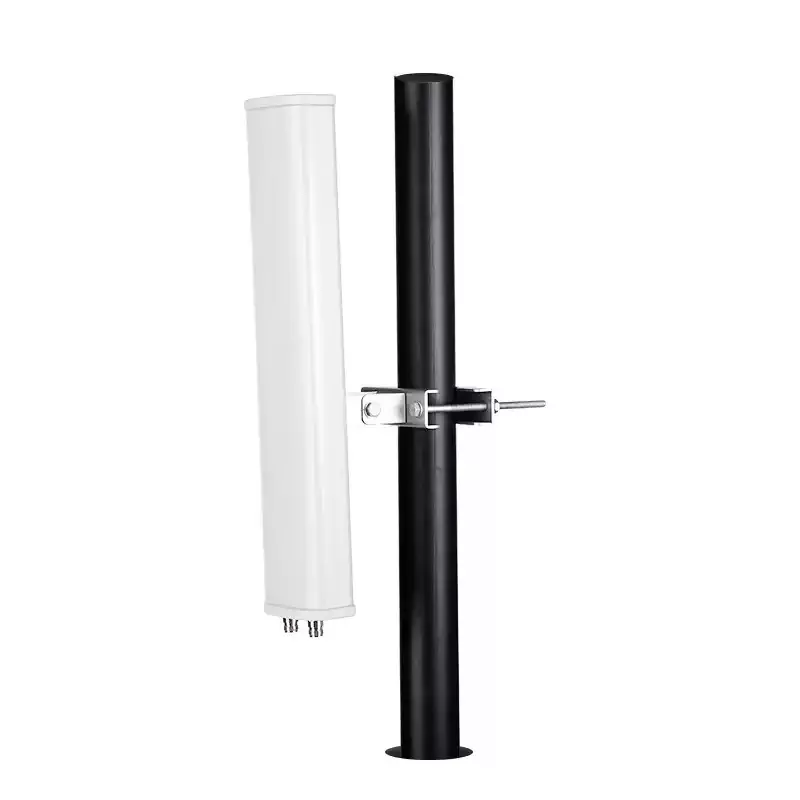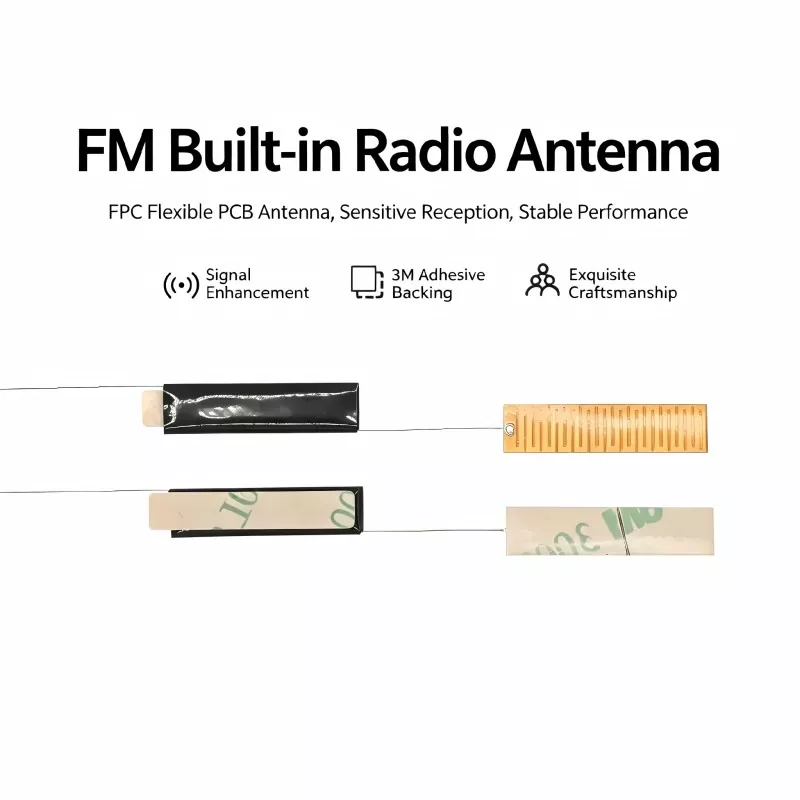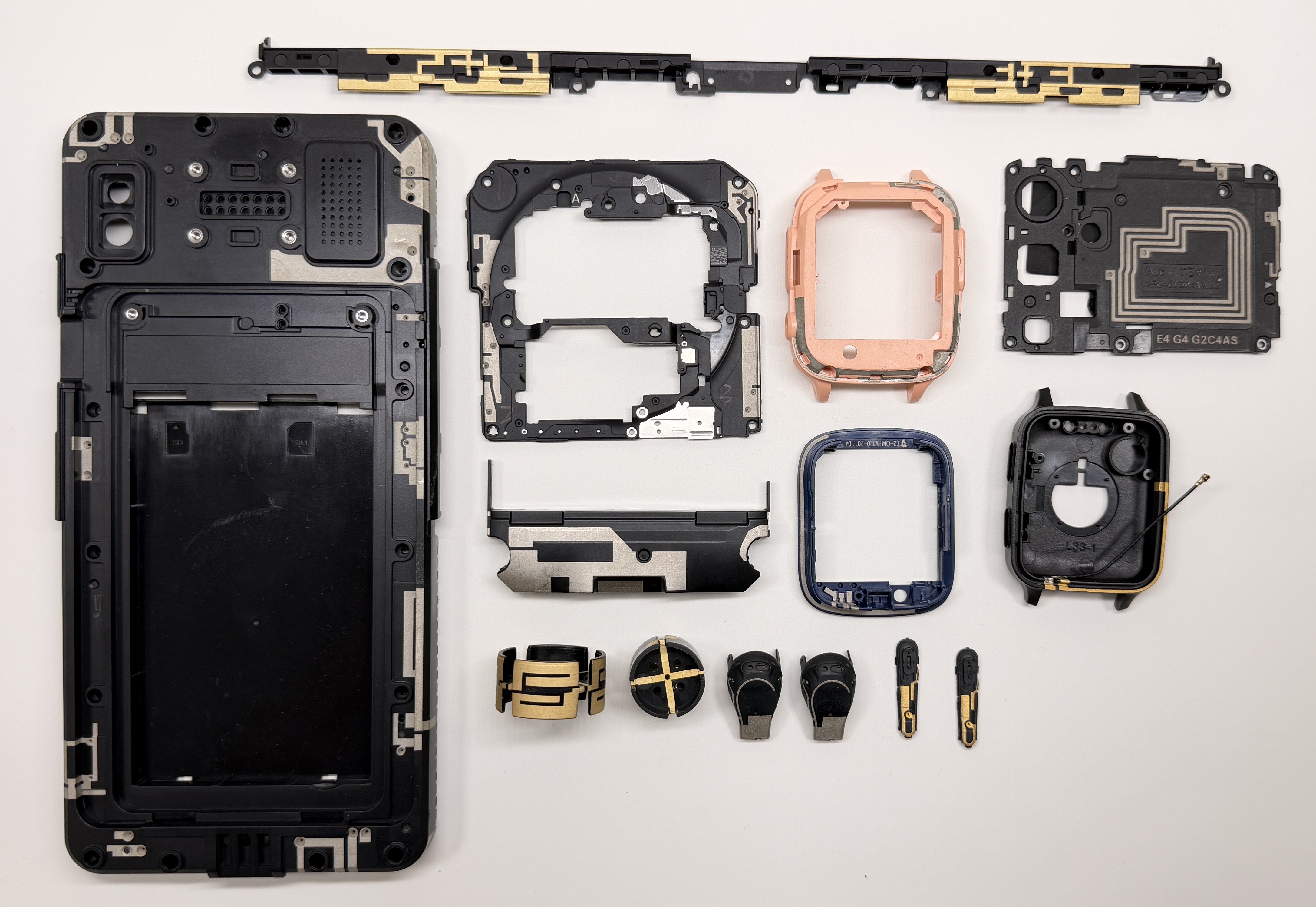
When smart photo frames need reliable cloud synchronization, fast image updates, and stable wireless connectivity, the right Digital Photo Frame WiFi Antenna becomes an important hardware component. Qianmu develops dedicated antenna solutions for compact digital photo frames, helping manufacturers address signal attenuation, internal interference, and limited installation space through application-specific RF design.
A digital photo frame depends on WiFi for functions such as cloud synchronization, remote photo transmission, scheduled content updates, and app-based device management. However, the antenna operates inside a compact enclosure containing screens, batteries, circuit boards, and other components that may affect RF performance. A dedicated antenna can be designed around the frame's physical structure, operating bands, connector, cable routing, and installation position. Qianmu's solution supports 2.4 GHz and 5 GHz applications, with standard specifications including 50Ω impedance, SWR of ≤1.8, 2–4 dBi gain, and FPC, PCB SMT, or external adhesive-rod configurations. Customized dimensions, connectors, cable lengths, and RF parameters are also available for different device designs.
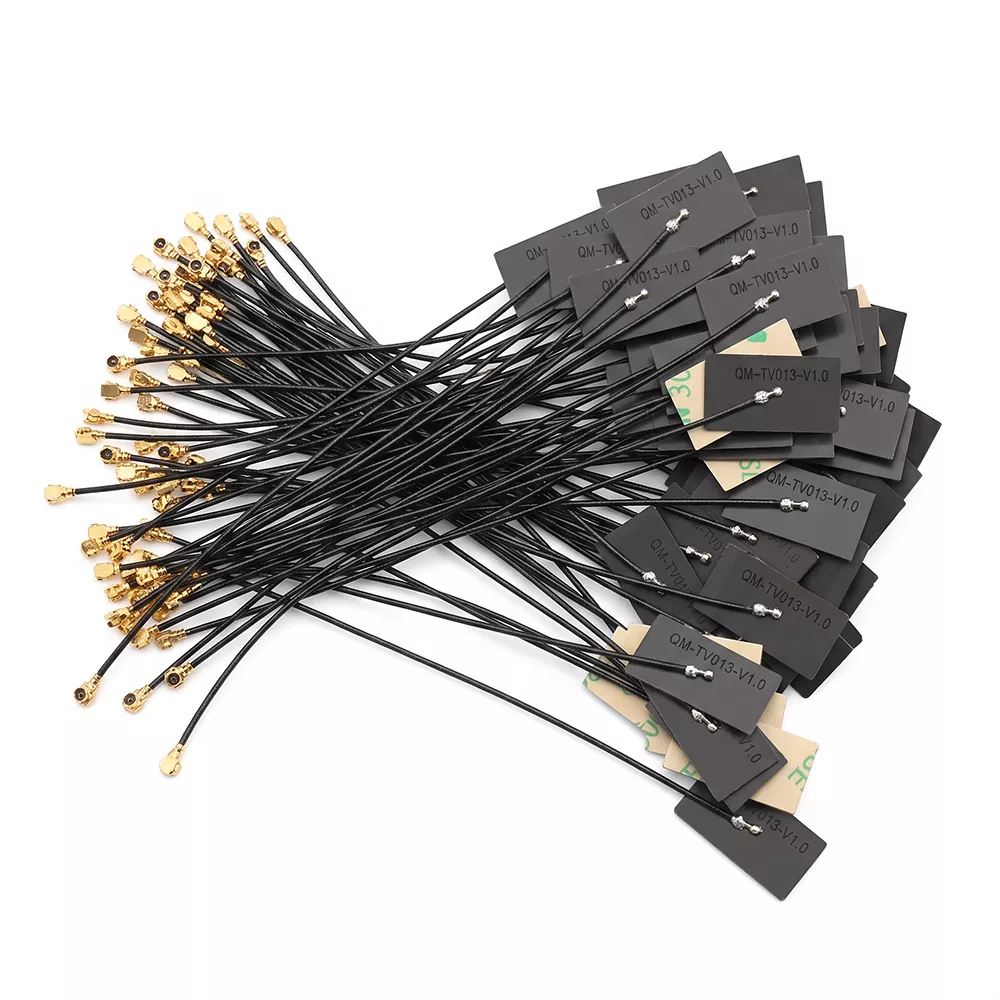
Table of Contents
- Why Does a Digital Photo Frame Need a Dedicated WiFi Antenna?
- How Does the Antenna Work Inside a Smart Photo Frame?
- What Specifications Should Buyers Evaluate?
- Where Can These Antennas Be Used?
- How Should a WiFi Antenna Be Installed?
- How Should Manufacturers Select the Right Antenna?
- Why Consider Qianmu for Customized Antenna Production?
- Frequently Asked Questions
Why Does a Digital Photo Frame Need a Dedicated WiFi Antenna?
A smart digital photo frame is more than a display. Many modern models connect to routers, mobile applications, cloud platforms, or content management systems so users can remotely upload images and manage displayed content. This makes wireless communication an important part of the overall product experience.
The difficulty is that a photo frame usually has limited internal space. The display, battery, mainboard, speaker, metal components, and other electronics can influence antenna performance. A universal antenna may work under laboratory conditions but behave differently after being integrated into the finished enclosure.
A dedicated antenna is therefore designed around the actual application environment. Qianmu's product information indicates that its solution is optimized for compact 7-inch to 15.6-inch photo frames and for potential interference caused by screens, batteries, and motherboards.
- Supports stable cloud connectivity and remote image transmission.
- Designed for compact internal installation spaces.
- Available for 2.4 GHz and 5 GHz wireless applications.
- Can be configured with different connectors and cable lengths.
- Supports FPC, PCB SMT, and external adhesive-rod antenna structures.
How Does the Antenna Work Inside a Smart Photo Frame?
The antenna performs two-way conversion between electrical signals and electromagnetic waves. During transmission, the photo frame's WiFi module sends an electrical RF signal to the antenna. The antenna radiates the signal through the surrounding space toward a wireless router or access point.
During reception, wireless signals from the router are captured by the antenna and converted back into electrical signals for processing by the WiFi module. This two-way communication enables functions such as:
- Remote image uploading.
- Cloud-based photo synchronization.
- Mobile-app content updates.
- Scheduled display management.
- Network-based device control.
For product engineers, antenna performance cannot be evaluated independently from the enclosure. Installation location, ground clearance, cable routing, surrounding materials, and nearby electronic components can all influence practical RF performance.
What Specifications Should Buyers Evaluate?
Choosing an antenna solely by appearance or connector type can create problems during prototype testing or mass production. RF engineers and purchasing teams should review the frequency range, impedance, SWR, gain, antenna structure, cable specification, connector, and environmental requirements before confirming a model.
| Parameter | Standard Specification | Customization Options |
|---|---|---|
| Operating Frequency | 2400–2500 MHz / 5150–5850 MHz | Single 2.4 GHz band or other requirements |
| Impedance | 50Ω | Standard RF matching configuration |
| SWR | ≤1.8 | High-precision version available at ≤1.5 |
| Antenna Gain | 2–4 dBi | Gain can be adjusted according to the application |
| Polarization | Omnidirectional linear polarization | Application-specific RF design |
| Interface | IPEX4 / MHF1 / RP-SMA | Custom RF connector solutions |
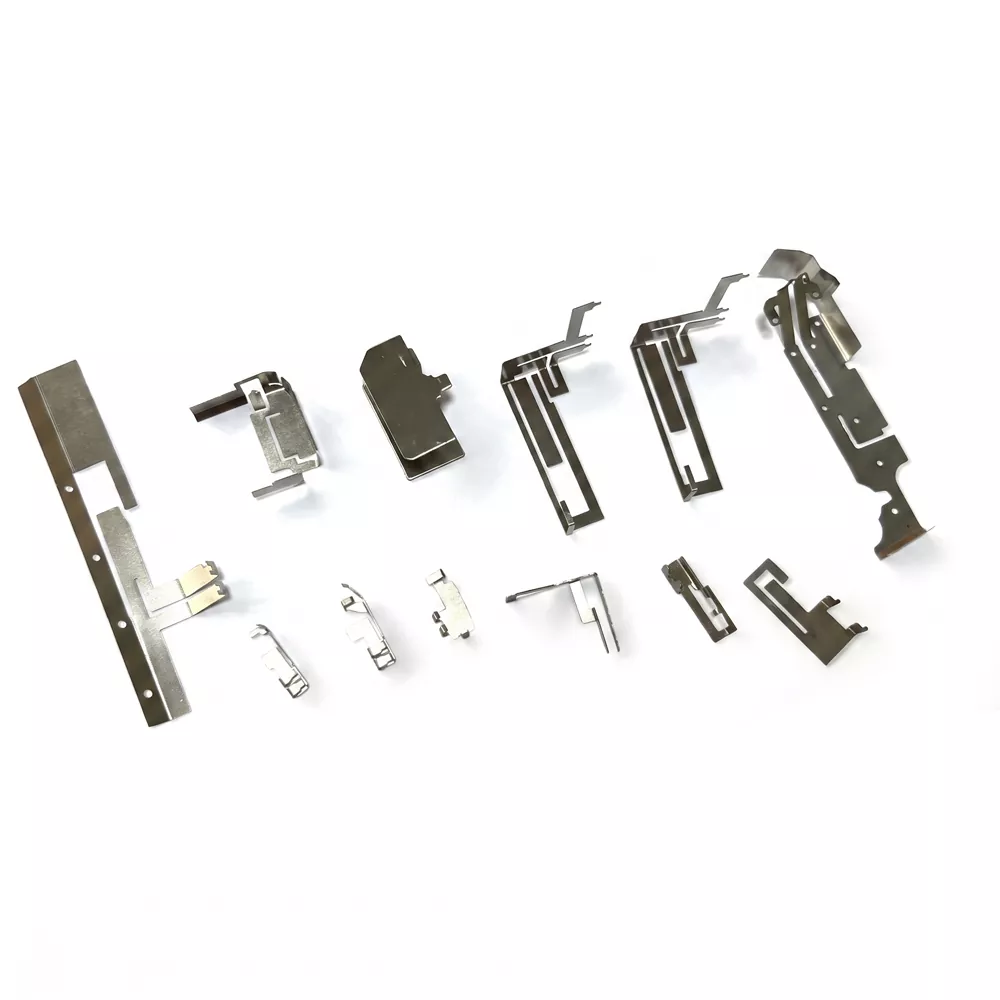
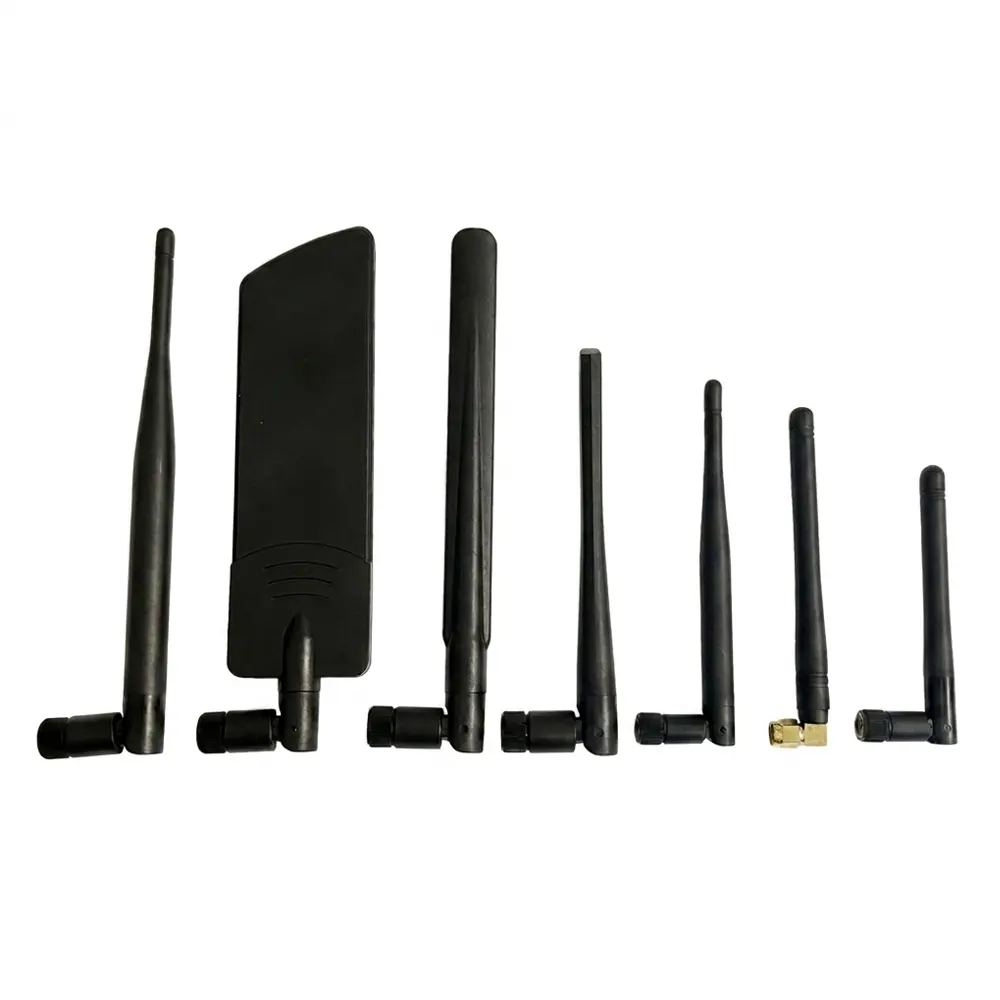
| Antenna Type | FPC / PCB SMT / External Glue Rod | Customized structure |
| Coaxial Cable | RF1.13 / RF1.37 | Custom length and thickness |
| Environmental Compliance | RoHS / REACH | Support for CE and FCC certification requirements |
| Operating Temperature | -30°C to +70°C | Industrial-grade upgrades available |
These parameters should always be considered together with the final enclosure and wireless module. A higher nominal gain does not automatically mean better performance in every product because antenna efficiency and matching depend heavily on the surrounding structure.
Where Can These Antennas Be Used?
A dedicated antenna can support different categories of smart photo-frame products. The common requirement is reliable wireless communication within a compact electronic enclosure.
- Home smart photo frames: Suitable for 7-inch, 8-inch, 10.1-inch, 12-inch, and 15.6-inch products.
- Touchscreen cloud frames: Supports products that receive photos through mobile apps and cloud platforms.
- Commercial display frames: Applicable to hotel displays, guesthouse information screens, lobby advertising frames, and corporate display products.
- Portable gift products: Useful for battery-powered wireless photo frames designed for consumer and cross-border e-commerce markets.
- Embedded electronics: Can be integrated with motherboard solutions based on platforms such as Rockchip, Allwinner, and ESP32.
For non-standard products, antenna development can be based on structural drawings, installation space, interface requirements, and the wireless module used by the finished device.
How Should a WiFi Antenna Be Installed?
Correct installation is essential because even a technically suitable antenna can experience performance degradation if it is positioned incorrectly inside the enclosure.
Step 1: Prepare the Installation Area
Power off the photo frame and remove the rear cover. Clean the intended installation area and make sure there is sufficient room for the antenna body and coaxial cable. Avoid locations where metal structures may obstruct the RF path.
Step 2: Position the Antenna
For an FPC antenna, place the adhesive antenna flat against an appropriate internal surface. Avoid direct interference from the display, battery, mainboard components, and other potential RF obstacles. External adhesive-rod antennas should be securely positioned at their designated mounting point.
Step 3: Connect and Test
Connect the antenna to the WiFi module using the correct RF connector. Keep the coaxial cable organized and avoid unnecessary sharp bends, compression, or tangling. After reassembling the enclosure, test network connectivity, remote image transmission, and long-duration operation.
For mass production, manufacturers should follow a standardized installation drawing. Consistent antenna positioning helps reduce variation between production units.
How Should Manufacturers Select the Right Antenna?
Product teams should evaluate antenna selection as part of the complete wireless system rather than treating it as an isolated component. The following checklist can help reduce prototype and production risks.
- Confirm the wireless band. Determine whether the device requires 2.4 GHz, 5 GHz, or dual-band operation.
- Check the available installation space. Measure the antenna area and consider the position of the display, battery, PCB, and enclosure.
- Match the RF connector. Verify whether the module requires IPEX4, MHF1, RP-SMA, or another interface.
- Define cable requirements. Cable length and routing should be determined before finalizing the antenna.
- Evaluate RF performance in the finished product. Prototype testing should be performed after the antenna is installed in the actual enclosure.
- Request samples before bulk production. Sample validation helps confirm compatibility and reduces the risk of large-scale signal problems.
- Consider customization capability. A manufacturer capable of adjusting dimensions, gain, connectors, and cable specifications can better support non-standard product designs.
For procurement teams, direct communication with the antenna manufacturer can also simplify technical clarification, sample testing, production coordination, and subsequent design changes.
Why Consider Qianmu for Customized Antenna Production?
Qianmu Communication focuses on the research, development, and production of communication antennas, including FPC antennas, PCB antennas, WiFi antennas, Bluetooth antennas, 5G antennas, GPS antennas, and customized RF solutions.
For digital photo frame applications, Qianmu provides dedicated designs rather than relying only on generic antenna configurations. Its production capabilities support customization based on product dimensions, communication modules, operating frequency, installation position, connector requirements, and cable specifications.
The manufacturer's published product specifications include RoHS and REACH compliance, while CE and FCC certification assistance can be provided according to project requirements. For OEM and ODM projects, buyers can also evaluate samples before moving to volume production.
For additional information about Qianmu's antenna capabilities, explore the Qianmu antenna manufacturing solutions or review the dedicated Digital Photo Frame WiFi Antenna product page.
Frequently Asked Questions
Can the antenna dimensions and connector be customized?
Yes. Qianmu supports customization of antenna dimensions, cable length, gain parameters, and connector types according to the device structure, installation space, and WiFi module interface.
Does the antenna support both 2.4 GHz and 5 GHz WiFi?
The standard specification supports 2400–2500 MHz and 5150–5850 MHz. Specific band configurations can be discussed according to the wireless module and application requirements.
Which antenna structures are available for digital photo frames?
Available structures include FPC flexible antennas, PCB SMT antennas, and external adhesive-rod antennas. The appropriate structure depends on the enclosure, available space, installation method, and RF design.
What should be tested before placing a bulk order?
Manufacturers should test the antenna in the finished product enclosure and evaluate wireless stability, remote image transmission, connection reliability, and performance under realistic operating conditions. This helps identify integration issues before mass production.
Can the antenna be used for commercial digital display products?
Yes. The application range includes commercial smart display frames, hotel and guesthouse displays, lobby advertising frames, corporate display products, and other connected digital photo-frame applications.
Conclusion
A reliable wireless connection is essential for modern smart photo frames that depend on cloud synchronization and remote content management. Selecting an antenna based on frequency, RF matching, installation space, connector, cable routing, and actual enclosure performance can help manufacturers build a more consistent wireless system. If you are developing a new photo frame, replacing an existing antenna, or planning OEM/ODM production, contact us to discuss your antenna dimensions, frequency requirements, connector configuration, samples, and customized production needs with Qianmu's engineering team.